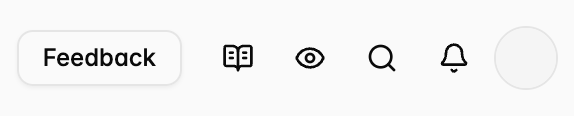
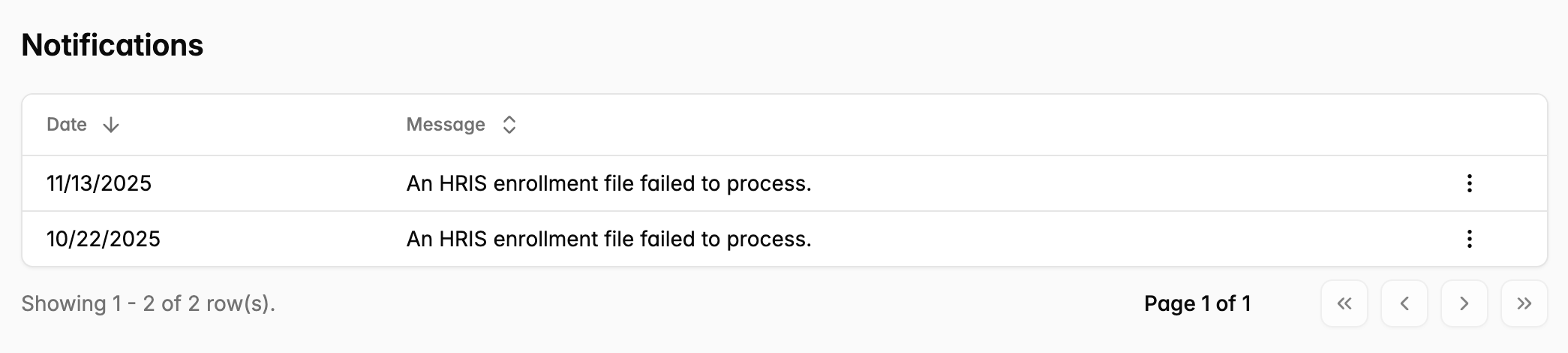
Notifications for events that occur in the portal. View notifications with the bell icon.
How to enable notifications
- In the top left corner, click the Icon with your group name > Settings associated with your log-in > Notifications > Toggle On, and choose whether you want to receive an email or an in-app notification for that notification.
-
You can also edit notifications by Clicking the little gear on the top right of the Inbox Tab as well!
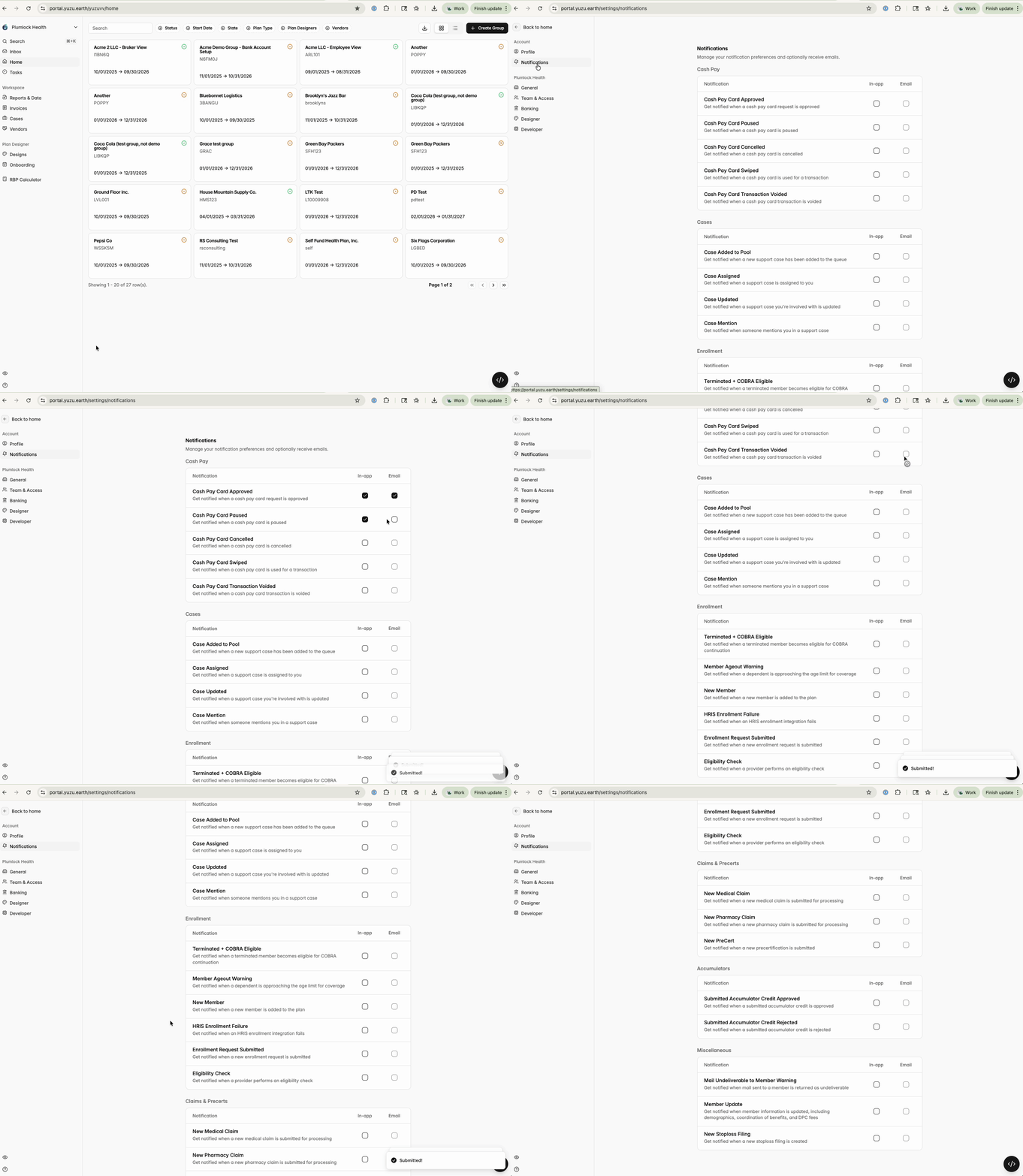
Notification categories
Cash Pay Cards
- Cash Pay Card Approved
- Cash Pay Card Paused
- Cash Pay Card Cancelled
- Cash Pay Card Swiped
- Cash Pay Card Transaction Voided
Case updates
- Case Added to Pool
- Case Assigned
- Case Updated
- Case Mention (by using the @ feature)
Enrollment & Member events
- Terminated + COBRA Eligible
- Member Ageout Warning
- New Member
- HRIS Enrollment Failure
- Enrollment Request Submitted
- Eligibility Check
Claims & Precerts events
- New Medical Claim
- New Pharmacy Claim
- New Precert
Accumulator events
- Submitted Accumulator Credit Approved
- Submitted Accumulator Credit Rejected
Miscellaneous events
- Mail Undeliverable to Member Warning
- Member Update
- New Stoploss Filing
See notifications in the portal
See all notifications you have recieved by clicking on the bell in the top right corner.