How to invite a new hire to your plan. Works best for groups with no HRIS integration.
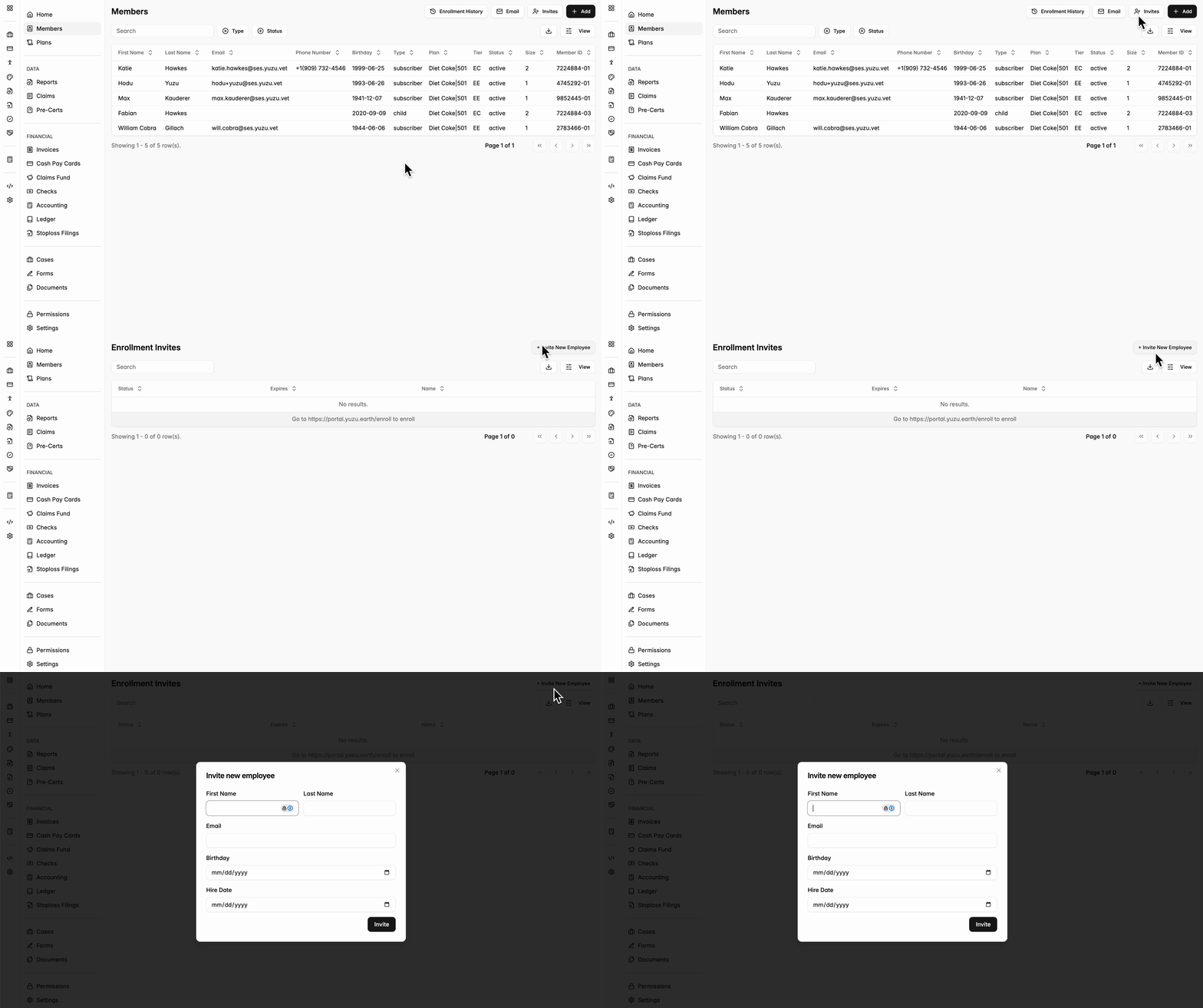
- On the Members page for a group, in the top right corner, click on the ‘Invites’ button
- Then, select ‘+ Invite New Employee’
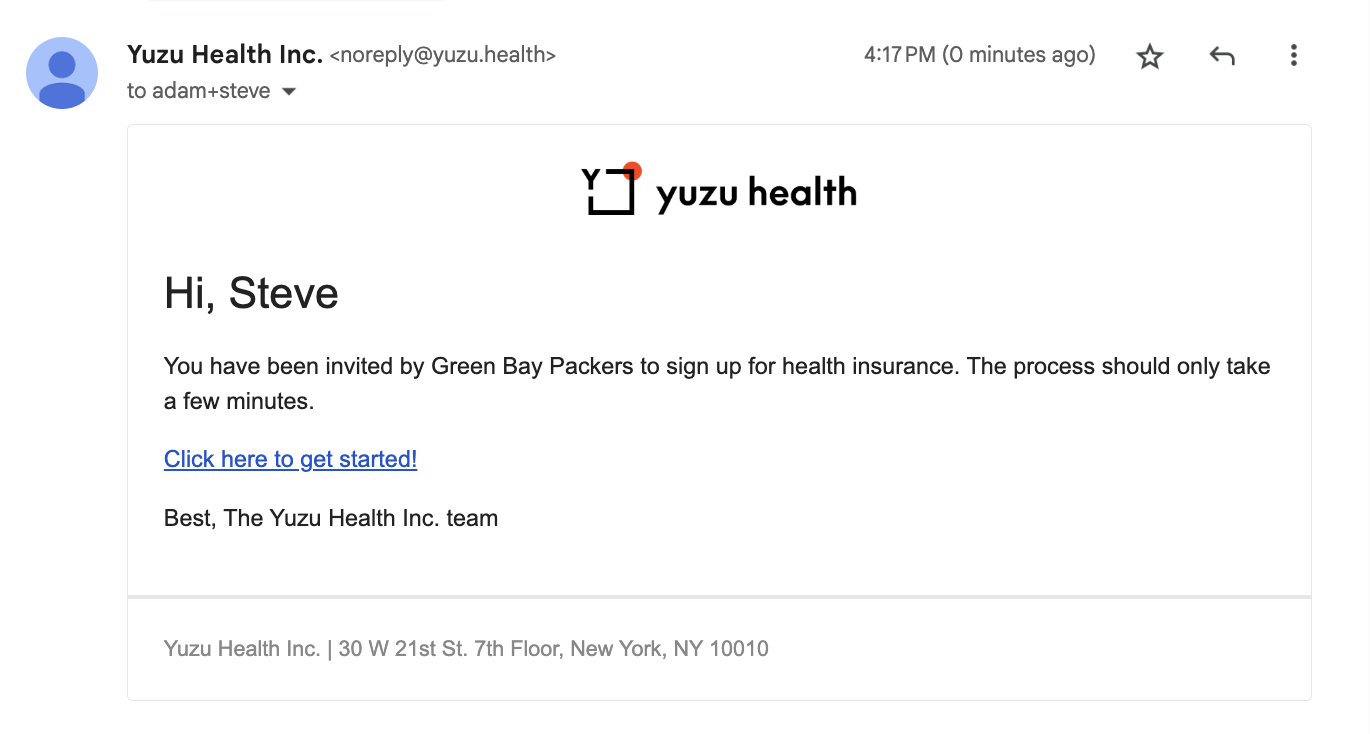
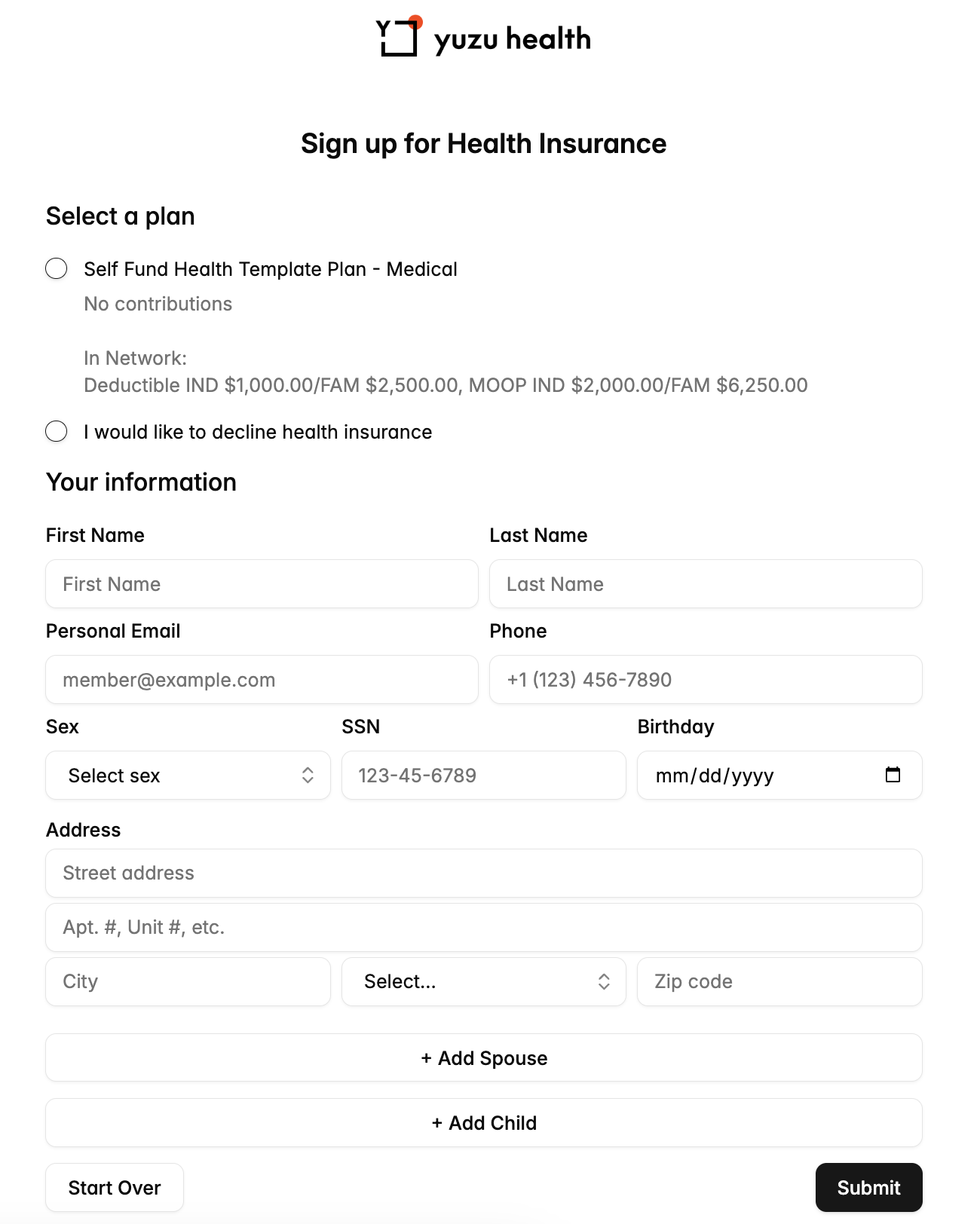
- This will prompt you to fill out a short form to invite a new employee via email to the plan, where they can fill out the remaining of their demographic information.
- This works best for groups with no HRIS integration. With an HRIS integration we are potentially introducing two sources of information