Learn how to search your benefits and insurance basics (definitions and examples of how your benefits work).
How to Search Your Benefits
Navigating the benefits grid
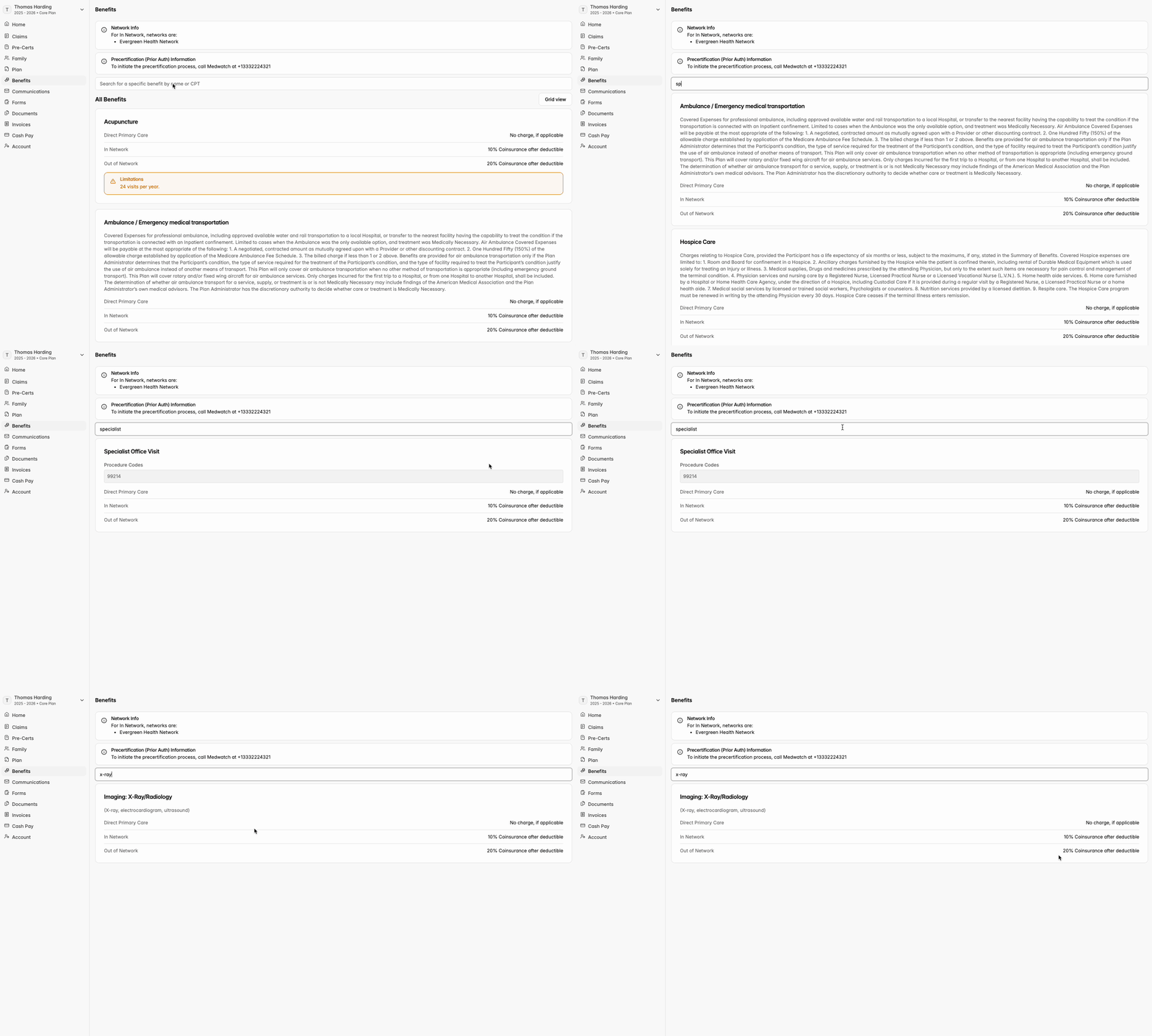
- At the top of the Benefits tab, you are able to search a specific benefit by name, CPT code (aka how healthcare is coded), or place of service, and see your coverage according to plan rules. Each benefit is then broken down by how it is covered:
- In Network: Because you’re enrolled in a self-funded plan, your coverage uses a provider network. This network is a group of doctors, hospitals, and facilities that have agreed to discounted rates, giving you access to care at a lower cost.
- Out of Network: This is usually the most expensive option. These providers do not have contracted rates with your plan, which means costs are higher and your plan may cover a smaller portion of the expense.
- Direct Primary Care (DPC): Some plans include access to a local Direct Primary Care provider for everyday medical needs. When DPC is available and used, services are typically offered at no charge to the member.